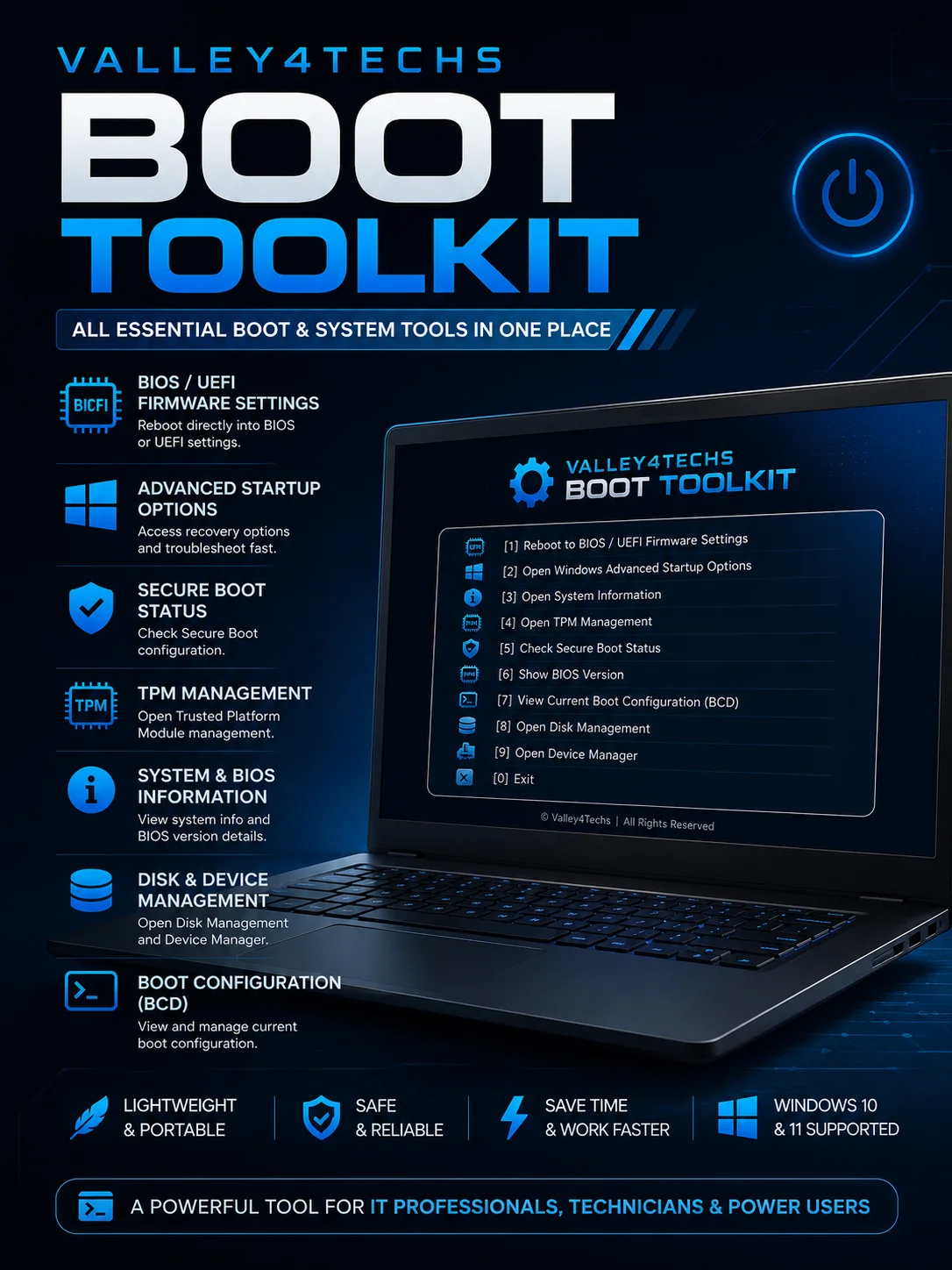
Boot Toolkit
Valley4Techs Boot Toolkit
Simplify BIOS, UEFI & Boot Management in Windows
Stop wasting time searching through Windows settings, command-line tools, and hidden system menus.
Valley4Techs Boot Toolkit is a lightweight Windows utility that gives you instant access to the most important boot, BIOS, UEFI, TPM, and system management functions from a single easy-to-use menu.
Whether you're an IT professional, system administrator, technician, or power user, this toolkit helps you perform common troubleshooting and configuration tasks faster and more efficiently.
Key Features
✔ Reboot directly into BIOS / UEFI Firmware Settings
✔ Open Windows Advanced Startup Options
✔ Launch System Information instantly
✔ Access TPM Management Console
✔ Check Secure Boot Status
✔ Display BIOS Version Information
✔ View Current Boot Configuration (BCD)
✔ Open Disk Management
✔ Open Device Manager
✔ Lightweight and portable
✔ No installation required
Perfect For
-
IT Professionals
-
Help Desk Technicians
-
System Administrators
-
Computer Repair Shops
-
PC Enthusiasts
-
Advanced Windows Users
Benefits
-
Save time during troubleshooting
-
Access critical boot tools from one location
-
Reduce navigation through multiple Windows menus
-
Improve workflow efficiency
-
Simplify BIOS and UEFI management tasks
System Requirements
-
Windows 10 or Windows 11
-
Administrator privileges required
-
UEFI-based systems recommended for full functionality
Important Notes
-
Some features depend on your hardware and firmware configuration.
-
Secure Boot and TPM options may vary depending on motherboard support.
-
Administrator privileges are required for proper operation.
Included
-
Valley4Techs Boot Toolkit (.BAT)
Developed by Mostafa Amaan | Valley4Techs